
How I Use Canva to Run My Business - You should too!
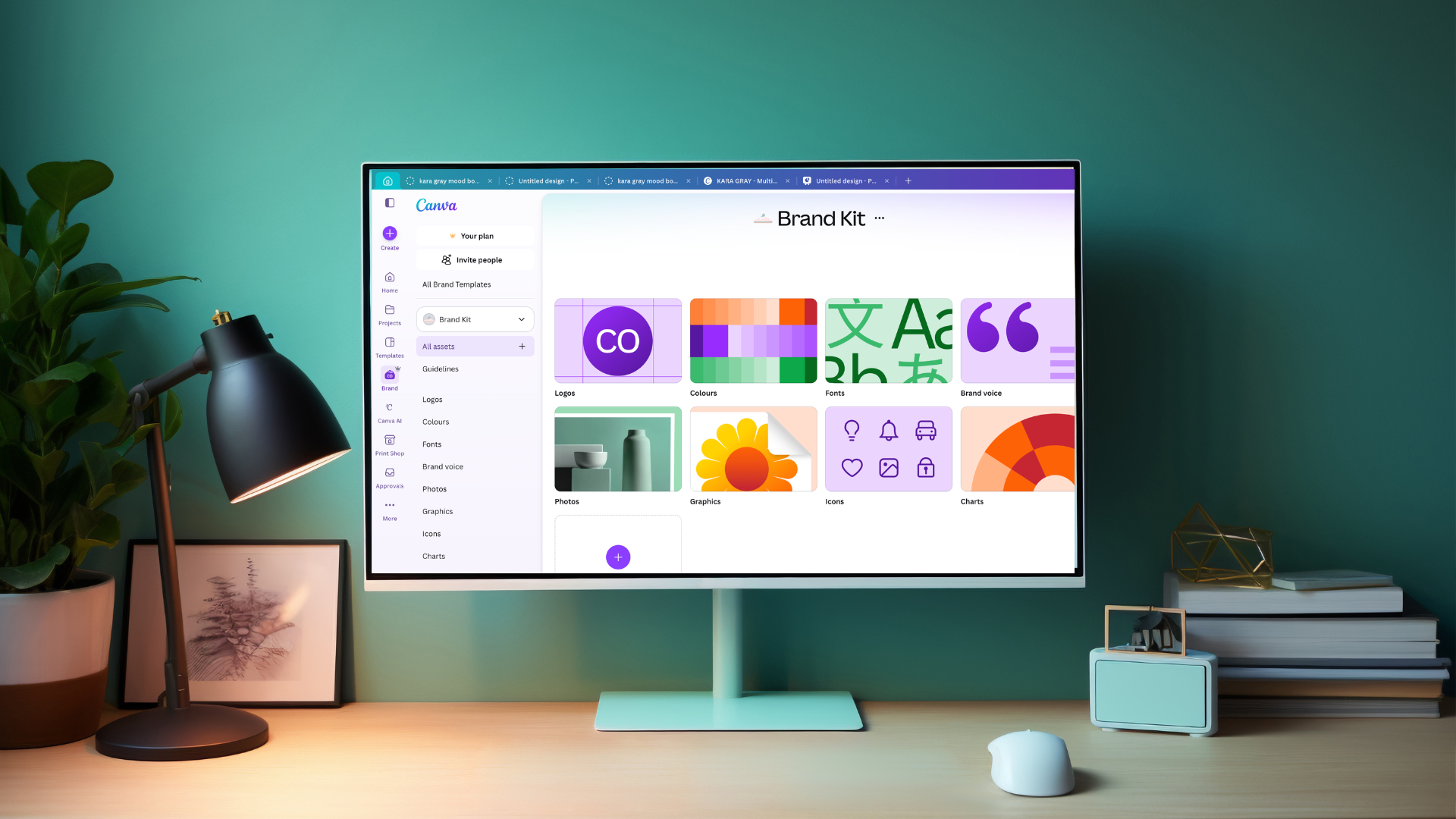
Canva is where almost all my visual content starts, from Instagram posts to downloadable guides.
If you've ever spent an hour trying to make something look consistent across your website, your emails and your Instagram, you'll understand why I use Canva for almost everything visual in my business.
Here's exactly how I use it and what I'd recommend if you're thinking about giving it a proper go.
What I Actually Use It For
Branded graphics for all the downloadable products on my website. Email banners that sit at the top of every newsletter I send. Instagram posts, story graphics and carousels. And pretty much all the visual content that goes with anything I produce. If it needs to look on brand and professional, it starts in Canva.
I also use it with my clients. When I'm helping someone set up their emails and newsletters, Canva is where we build their branded templates and headers. It means they can go away and create their own content without needing design skills or expensive software. One of my favourite features is that clients can add me to their Canva team, which means we can share designs, work on the same files and I can set things up ready for them to use. No emailing files back and forth, no version confusion. ⭐️ If a client is logged in at the same time as me, they can actually watch me working on their designs in real time. It makes collaboration feel very different to the usual back and forth.

Setting Up Your Brand Kit Properly
This is where the time saving really happens. I upload all my brand icons, patterns and assets directly into my Brand Kit, so everything is in one place every time I open a new design. My brand colours are saved, my fonts are loaded, and it matches what's on my website. Every new graphic I make starts from that foundation rather than from scratch.
When you download your logos and styling elements to upload into Canva, always save them as PNG files on a transparent background. If you download as a JPEG or without transparency, you'll end up with a white box around your logo every time you place it on a coloured or patterned background. It looks unprofessional and it's an easy thing to avoid. PNG, transparent background, every time.
If you're not doing this yet, it's worth spending an hour getting it set up properly. You'll save that hour back on the very first project you use it for.
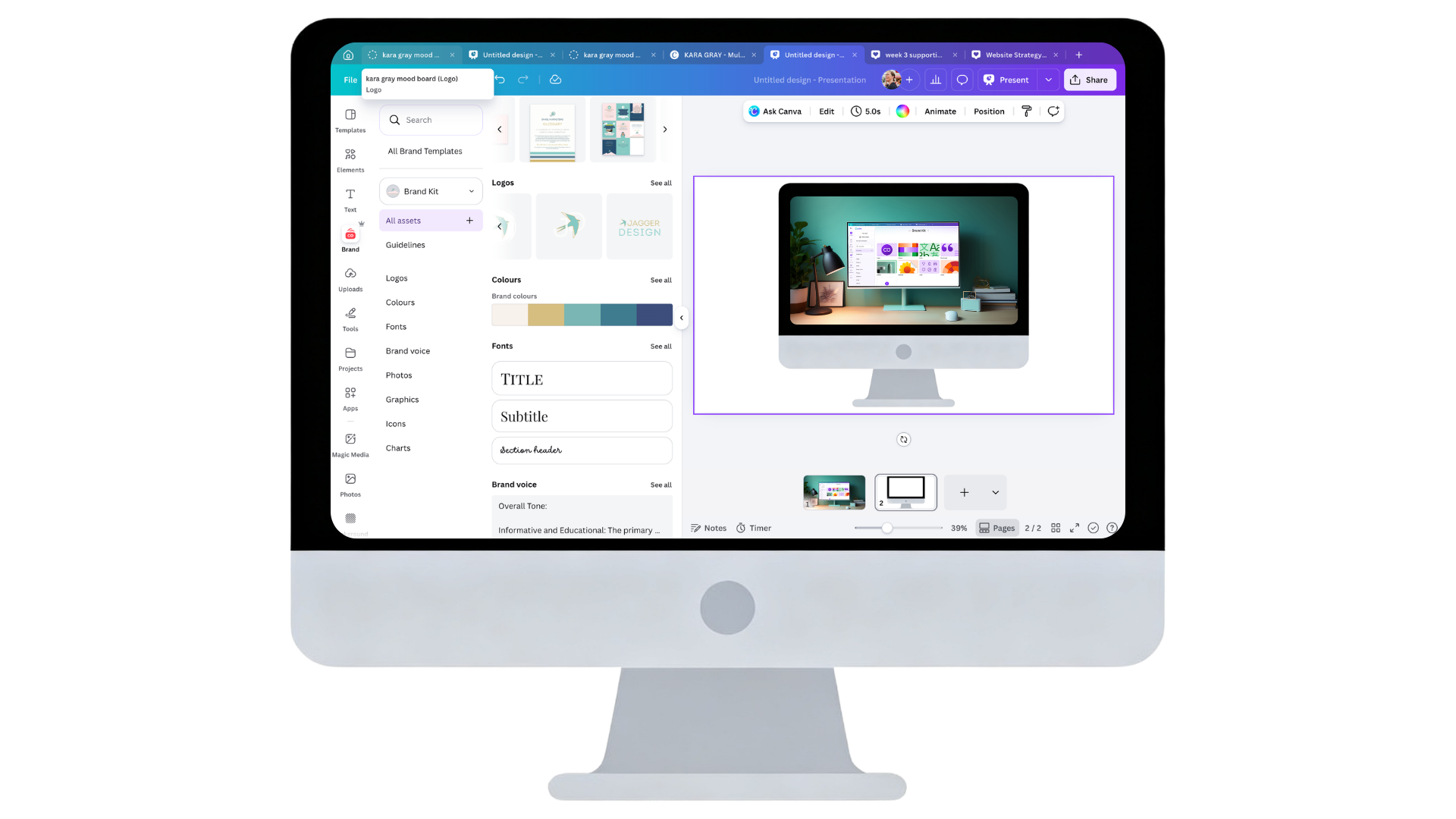
Your Brand Kit is the foundation of everything. Get it set up once and every new design takes a fraction of the time.
A Note on Fonts
Not every font on Squarespace is available in Canva, and not every Canva font is on Squarespace. But you can often find very similar alternatives, and the good news is you can upload your own fonts to both platforms. If you want to use exactly the same font across everything, upload it to Canva and to Squarespace and you're sorted. If you want a shortcut, search online for lists of fonts that appear on both platforms - people have done that work already.

A small tweak goes a long way.
Adjust colours, sizing or elements to make any Canva graphic uniquely yours before it goes on your website.
One Thing to Keep in Mind for Your Website
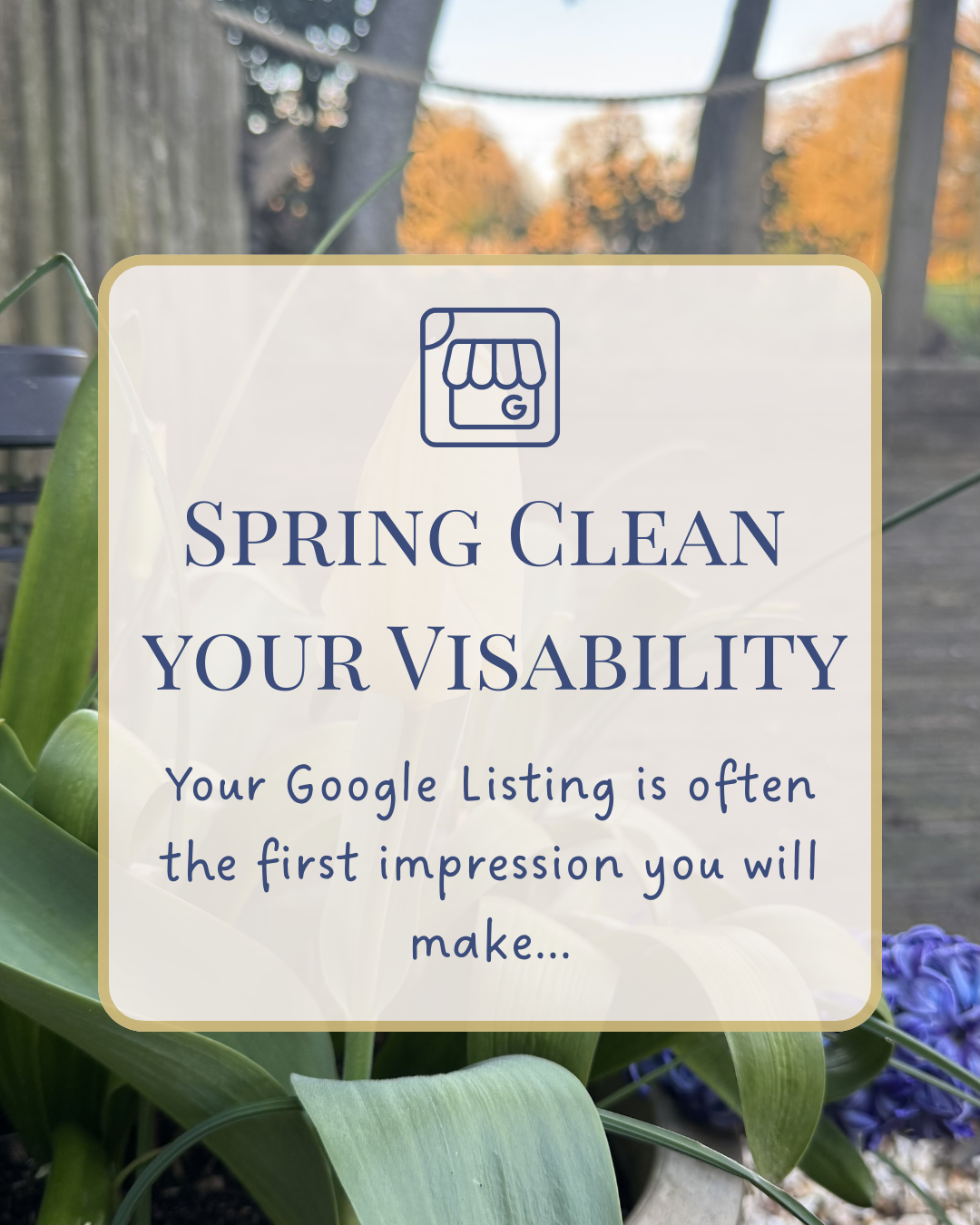
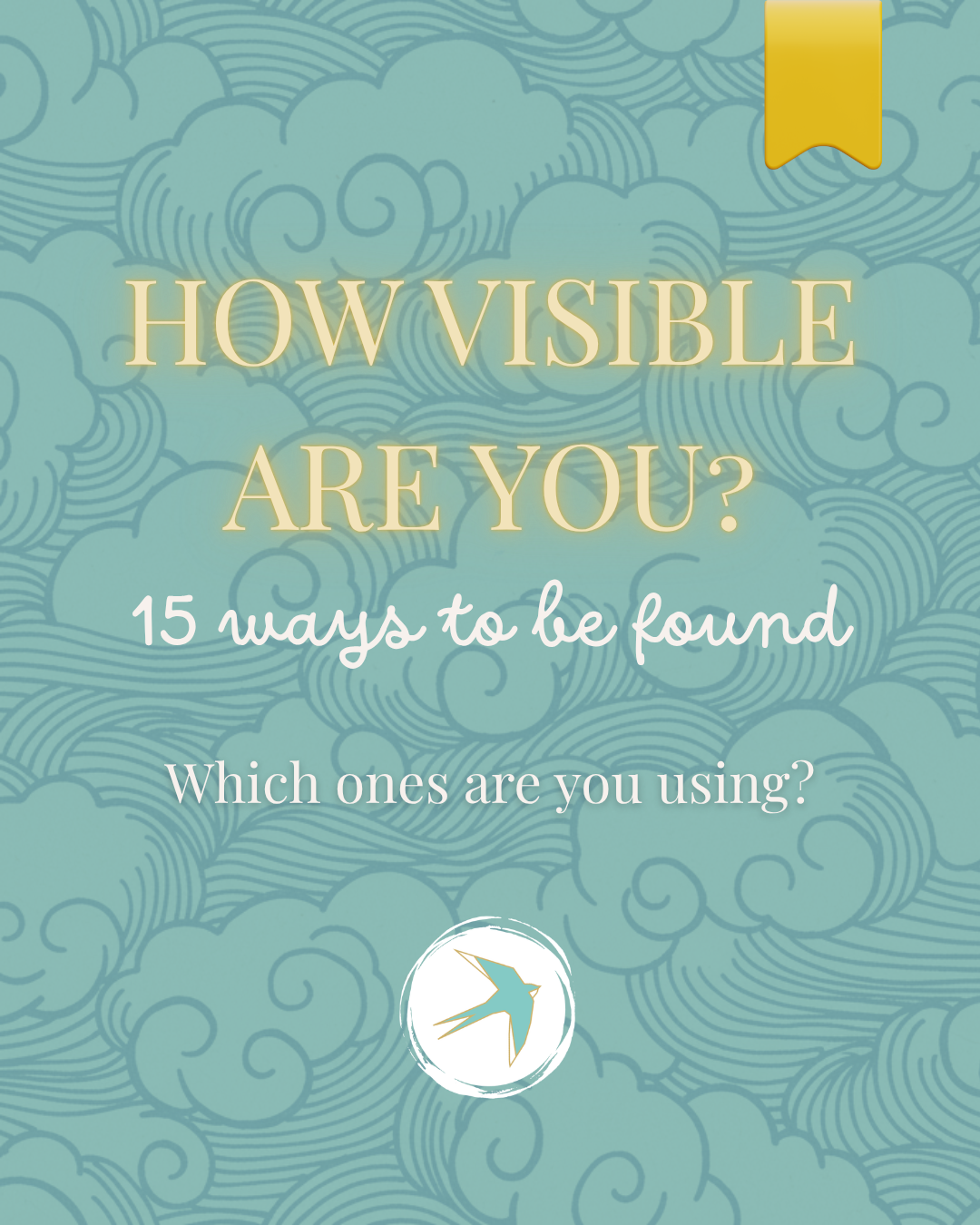
If you're using Canva to create graphics that will live on your Squarespace site, make sure you change the elements slightly before uploading. Canva's elements, illustrations and graphics are available to every Canva user, which means if you use them without modification, someone else's website could end up looking identical to yours. A small tweak — different colours, adjusted sizing, swapping one element for another — is enough to make it uniquely yours. Your website needs to represent your brand, not a template.
Is Canva Worth Paying For?
I'd say yes. The free version is genuinely useful but the paid version is where it becomes a proper business tool. The Brand Kit, background remover, premium templates and the ability to resize designs instantly are the features I couldn't do without now.
If you want to try it, you can sign up for Canva here & if you're already a free user wondering whether to upgrade, honestly, it's worth it.





What does a Squarespace website really cost in the UK? I’m sharing my actual prices, from a DIY Blueprint at £345 + VAT to a fully bespoke build at £1,425 + VAT, so therapists, wellness practitioners and creatives can choose the route that fits their time and budget.