
The AI tools I actually use
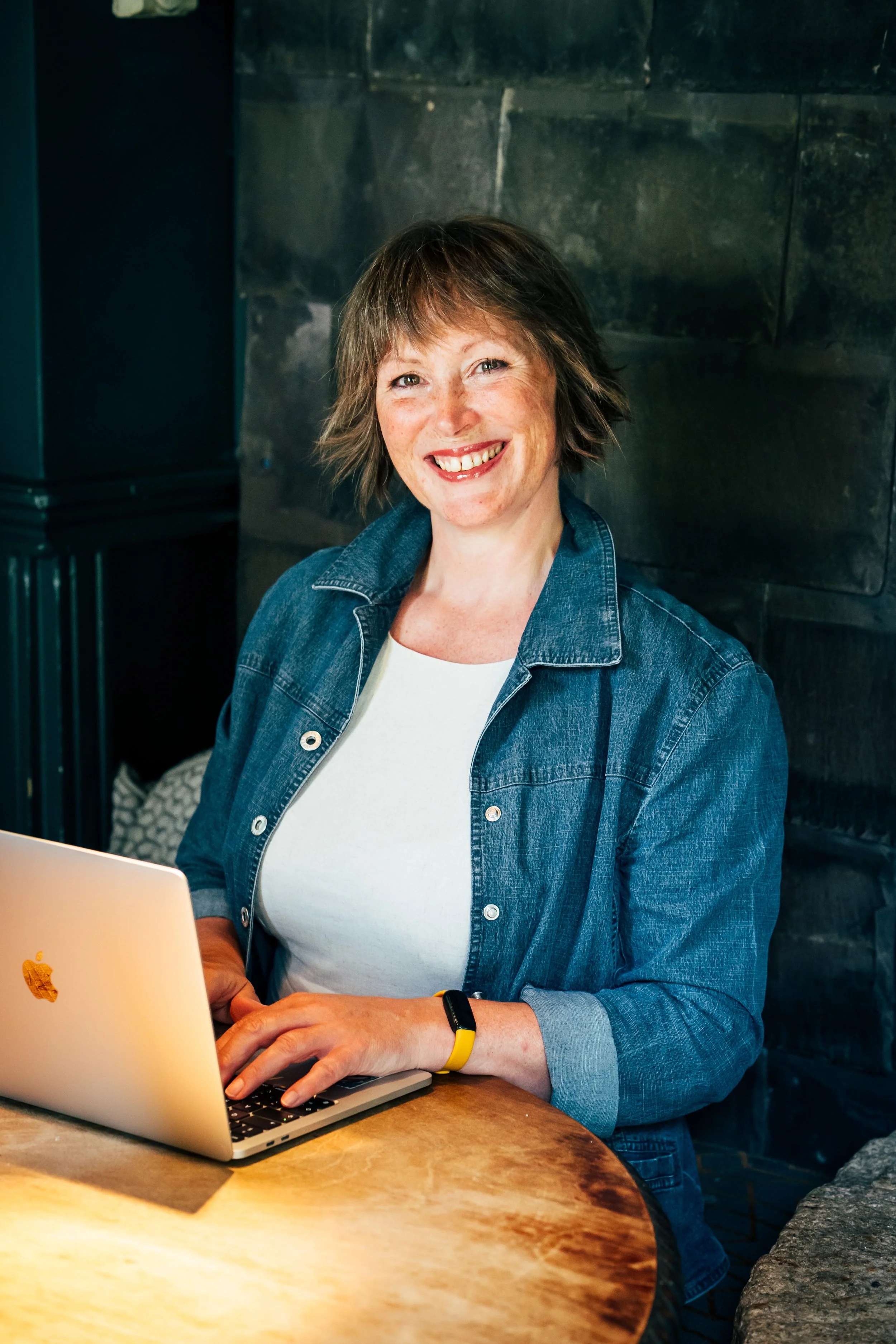
Emily Jagger offers AI advice Pic by New Forest professional photographer, Carrie Bugg
I signed up for a free trial of a tool that promised to write my blog posts for me. First thing it handed back was a confident, well-organised list of the "top AI platforms for small businesses in 2026." Problem was, I'd only ever actually used two of the tools on it.
That's the trouble with a lot of AI content right now, mine included, until I caught it. It sounds authoritative. It isn't necessarily true, or tested, or yours. So here's the honest version: not every AI tool that exists, just what I've actually put through its paces, and how I use it so it doesn't end up sounding like everyone else's.
AI amplifies whatever's already there
Before any fancy new tools; AI doesn't fix a weak website, it just sends more people to find out it's weak faster. If your site converts 1 in 50 visitors now, doubling your traffic with clever AI-powered marketing gets you 2 inquiries instead of 1, not a transformed business. Strong sites get stronger with AI behind them. Unclear ones just get more visitors who leave. That's why I always start with the site and the strategy, not a stack of ai tools.
What I actually use: ChatGPT and Claude
I don't use either of these to write my copy, or my clients'. I use them to build a strategy, test it, and work out the right questions and prompts to pull out what I actually need. The thinking stays mine. The words stay human.
I want to make it clear: I don't write my clients' newsletters for them, they do that in their own words. What I bring is the tools, the structure, and the marketing know-how to help them optimise what they've already written, so it actually gets opened and read.
You might be going faster but are you loosing your ability to make a real impact by being too samey?
Why most people get AI writing wrong
Here's where most people go wrong with AI writing tools: they stop at the first draft. I recently talked a client through adding real parameters to her prompts, not just "write me a blog post" but the actual detail that gets you something specific and useful back. Let's look at LinkedIn and why AI-written content doesn't get pushed the way people expect, it's not because it was written with AI. It's because it reads like everything else out there. Every tool defaults to the same rhythms if you let it: that "it's not this, it's that" pattern is everywhere now, and it's soooooo boring. THATS why ai content doesnt get pushed.
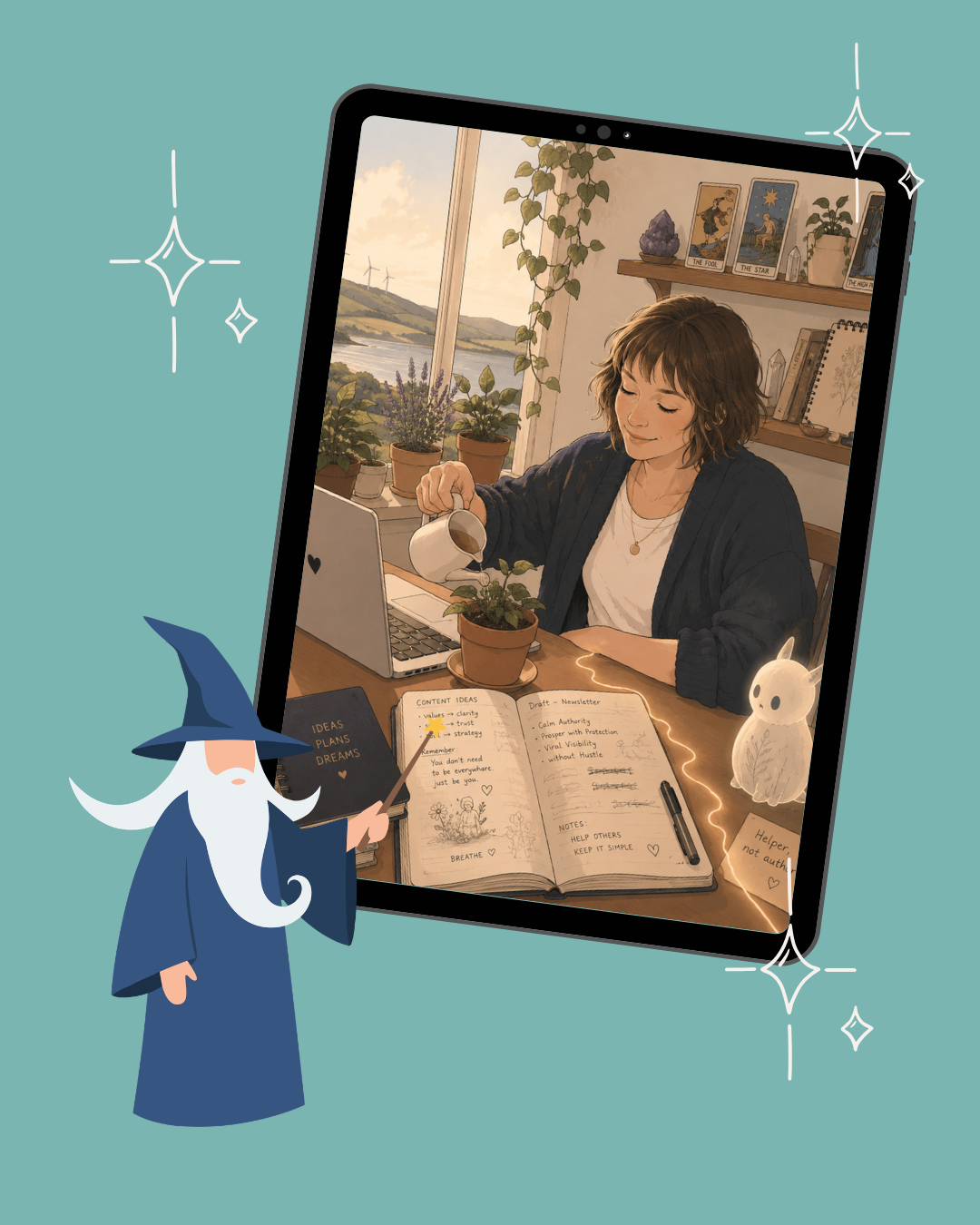
A reflection of me, but its not true, as i’m into a bit of fantasy- I of course love it, I bet you think its a bit… samey?
So the fix isn't avoiding AI. It's just not stopping at the first draft. Add your own turns of phrase. Let your actual personality back into it. Use it to move faster, not to sound like everyone else moving faster. I’ve been seeing lots of these Ai generated portraits lately - I find it interesting how we love to see ourselves depicted so beautifully, but how much of this is a reaction to flattery, as they are not a true depiction of ourselves only a reflection. I bet you spend more time looking at the photo of me rather than the Ai generated illustration (yawn)? Let me know!
Where I let AI do the boring bits properly
Some jobs don't need your personality, they just need doing. SEO titles, meta descriptions, alt text on images, that's exactly where I let AI take the load. Nobody needs individuality in an alt tag. Save your voice for the writing that actually needs it!
What's already built into Squarespace (and what's actually worth paying more for)
A client called me recently. She'd just spent money topping up her Squarespace AI Credits to run something inside Squarespace called AI Visibility, a tool that fires off a batch of "prompts," questions like "can I see examples of websites designed by Emily Jagger?" or "who specialises in building Squarespace websites for wellness entrepreneurs in the UK?", and checks whether a business gets mentioned back in the answer.
What AI Visibility actually is
Every Squarespace Website plan comes with a small monthly allowance of free AI Credits, plus a handful of starter credits that never expire, covering things like the SEO scanner and an Image Studio for AI-generated visuals. AI Visibility is a separate feature that spends those same credits tracking how your brand shows up inside AI chat answers rather than traditional search results. Run out of your free allowance and you can buy more, which is what my client had done, 50 extra credits, most of them spent running a batch of "branded" and "non-branded" prompts through it.
My honest take: the idea behind it isn't nonsense, AI search genuinely matters now, and it's the same reason I build The Monthly Edit around content that's structured to get picked up by AI tools, not just traditional search. But running the prompts is a diagnostic check, it tells you whether you're showing up for that prompt, it doesn't make you show up more. The actual work is still the content and the site structure underneath it. I'd try it with the free credits you already get before spending more to run it again.
The free checks worth running
Squarespace also has AI tools built into the platform at no extra cost: a scanner that flags pages with missing or weak titles, meta descriptions and image alt text; a site checker that catches broken links, redirect problems and anything loading too slowly; and a content assistant in the editor that will draft or refine text for you if you ask it to. Run these regularly, they catch the boring, unglamorous stuff that actually matters for search.
What I wouldn't lean on is Squarespace's own content and marketing generation tools. Outside of Email Campaigns, which does its job well, I find them fairly weak, and they tend to nudge you toward using more of their own built-in tools rather than pointing you somewhere that would actually serve you better, like Canva for anything visual.
One I'll vouch for, cautiously: Canva
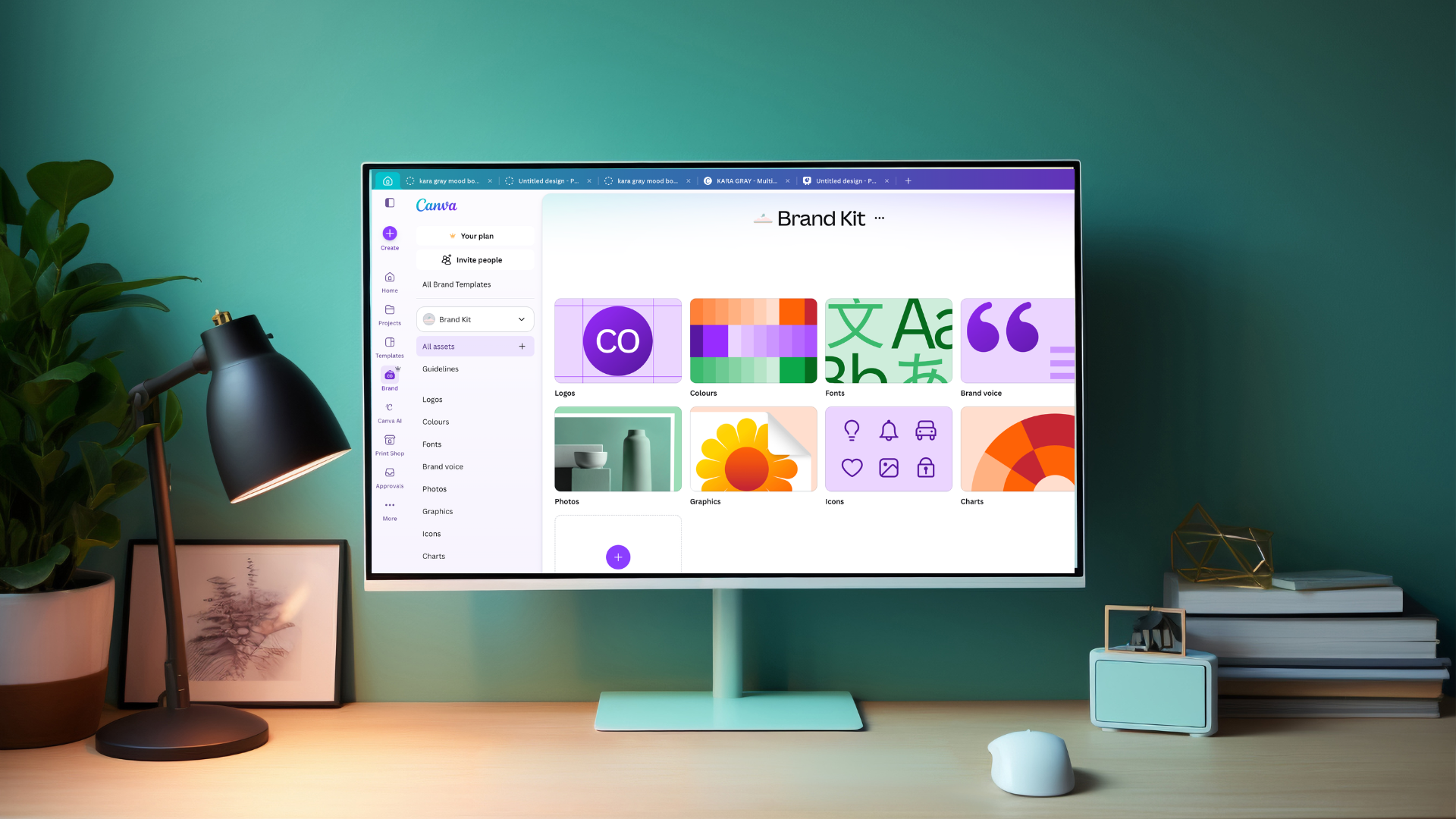
Canva's AI tools are genuinely useful, with a caveat: they still have room to improve, so I use them with a bit of caution rather than blind trust. The brand kit is the bit I lean on most, keeping colours consistent across everything without having to think about it each time. There's also a tool that lifts the style from one illustration and applies it to another, which is a proper time-saver when you're trying to keep a set of graphics feeling like they belong together. Worth trying, just don't expect it to be perfect yet.
What I'm not going to pretend to recommend
There's no shortage of "must-have" AI platforms doing the rounds right now for client comms, marketing automation, and CRM work. I haven't put most of them through real use in my own business, so I'm not going to hand you a confident paragraph on Intercom or Zapier or HubSpot's AI features like I have. If you're exploring that end of things, my honest advice is the same as it is for writing tools: try one, on one specific problem, for a month, before you add a second.
Start with the foundation, then build
If your website isn't yet built to convert before you start sending more people to it, that's the thing worth fixing first, AI tool stack or not. That's genuinely what I do: strategy-led Squarespace builds and website audits for creative and wellness businesses, so whatever you add on top of it, from ChatGPT to a fancy new automation tool, actually has somewhere useful to send people.
⭐️ Not sure where to start? Book a free 30-minute consultation and we'll talk through what your site actually needs.
⭐️ Want a proper look under the bonnet? Book a live audit call and I'll go through your site with you, line by line.
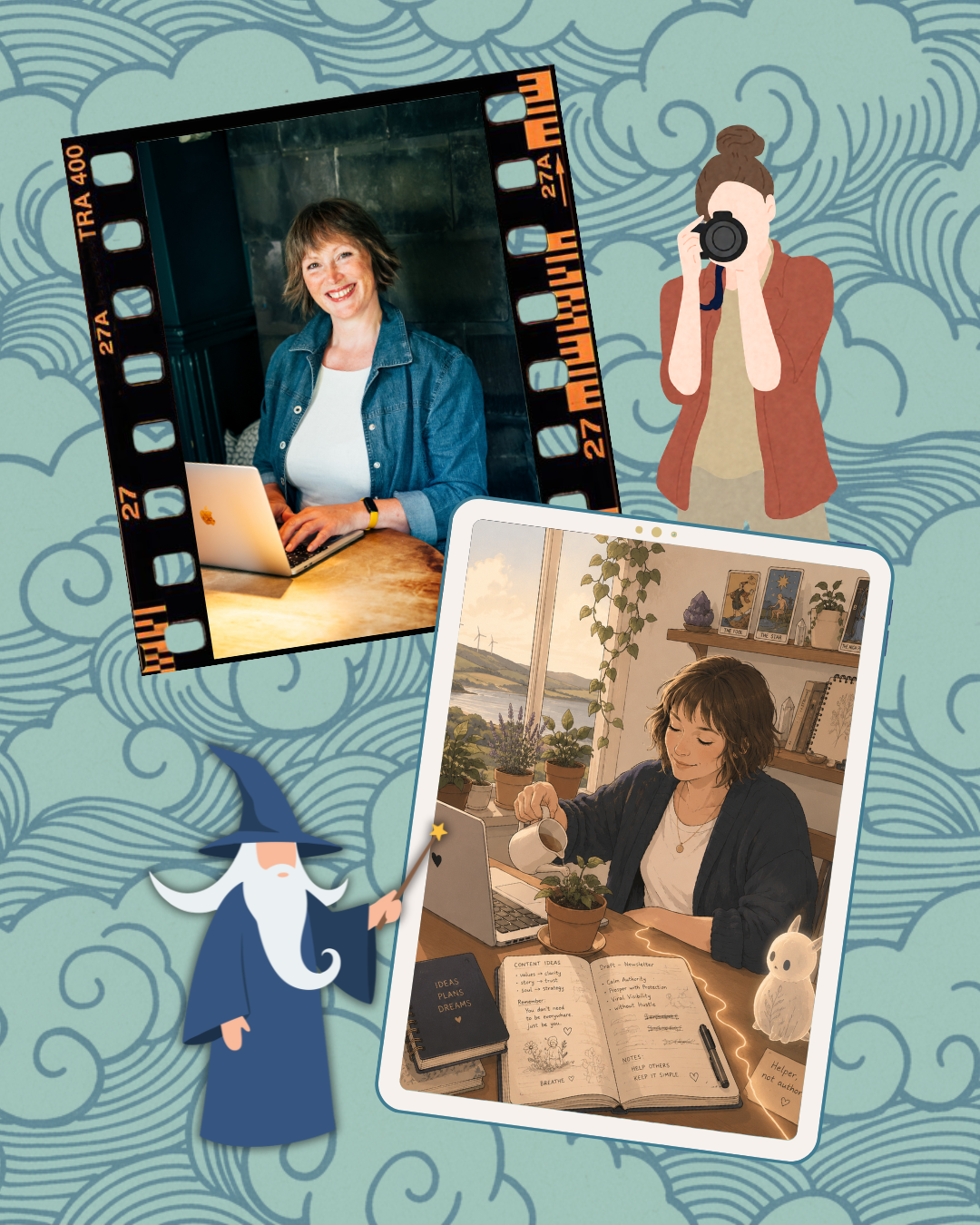
Your reality is more interesting to other people than your fantasy.
Which image did you look at the longest Honestly? The investment in a talented human (Carrie Bug) or the 30 section prompt that looks like everybody elses? (and whats with the weird rabbit?)


I signed up for a free trial of a tool that promised to write my blog posts for me. First thing it handed back was a confident list of "top AI platforms for 2026." Problem was, I'd only ever used two of them. Here's the honest version.